

After you create a customized weight setting, you can save it as a template to reuse later.
Follow these steps:
A new pane opens showing your weight settings before and after your changes. You can open the different nodes of the tree if you want to see how weight settings may have changed for subcharacteristics.
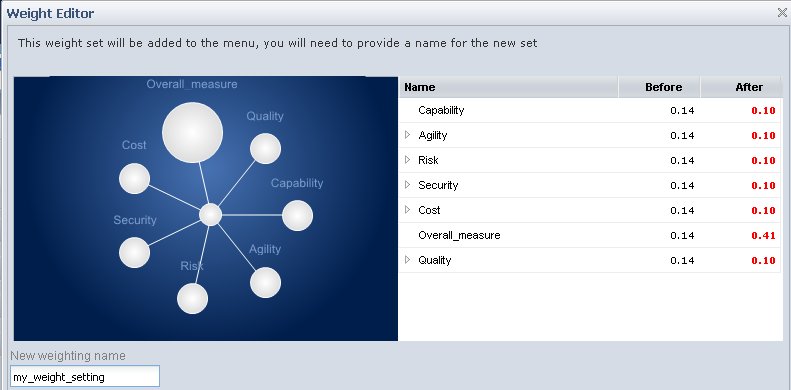
Your new weight is created and added to the drop-down menu for Weighting.
|
Copyright © 2012 CA.
All rights reserved.
|
|