

Using the Operations Page › Navigate the Operations Report Pages › View Historical Data for a Component
View Historical Data for a Component
View historical data for a network, server, or application to analyze performance behavior over time.
Follow these steps:
- Click the Operations page
- Click the performance bar for the network, server, or application for which you want to see historical data.
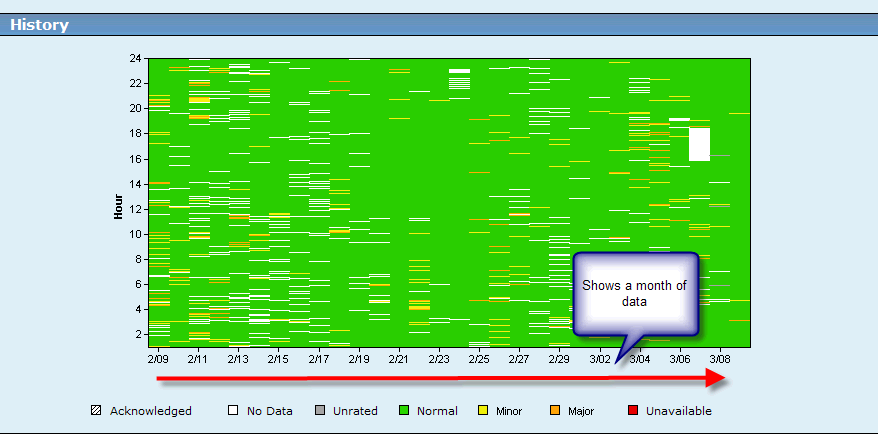
- Click History in the Show Me menu. A chart displays data from the previous month for the selected item.
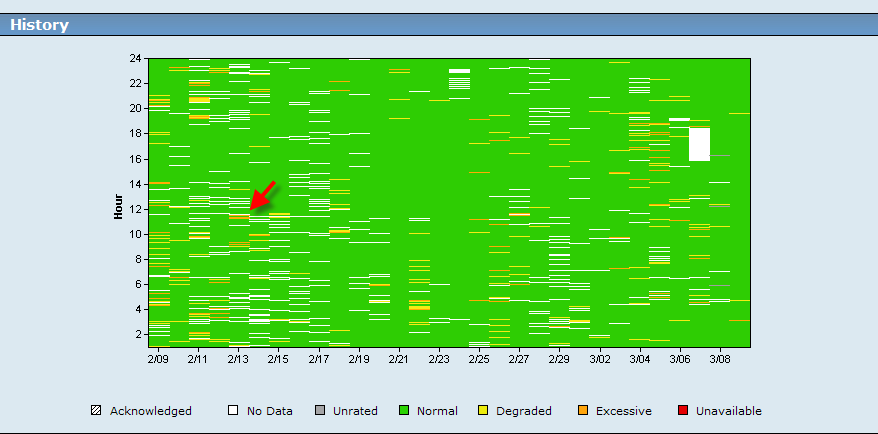
- Click a specific data point in the chart to display the Selected Components view for that hour and date.
Copyright © 2015 CA Technologies.
All rights reserved.
|
|