

You will be prompted with a Confirm prompt before the update is completed. As you saw in the function option topic of this tutorial, the confirm prompt is an optional feature of a function. You could omit it from the design if desired.
Earlier in the tutorial, in the Function Options topic, you set the initial value of the Confirm prompt to Y. Verify that the initial value of the Confirm prompt is Y.
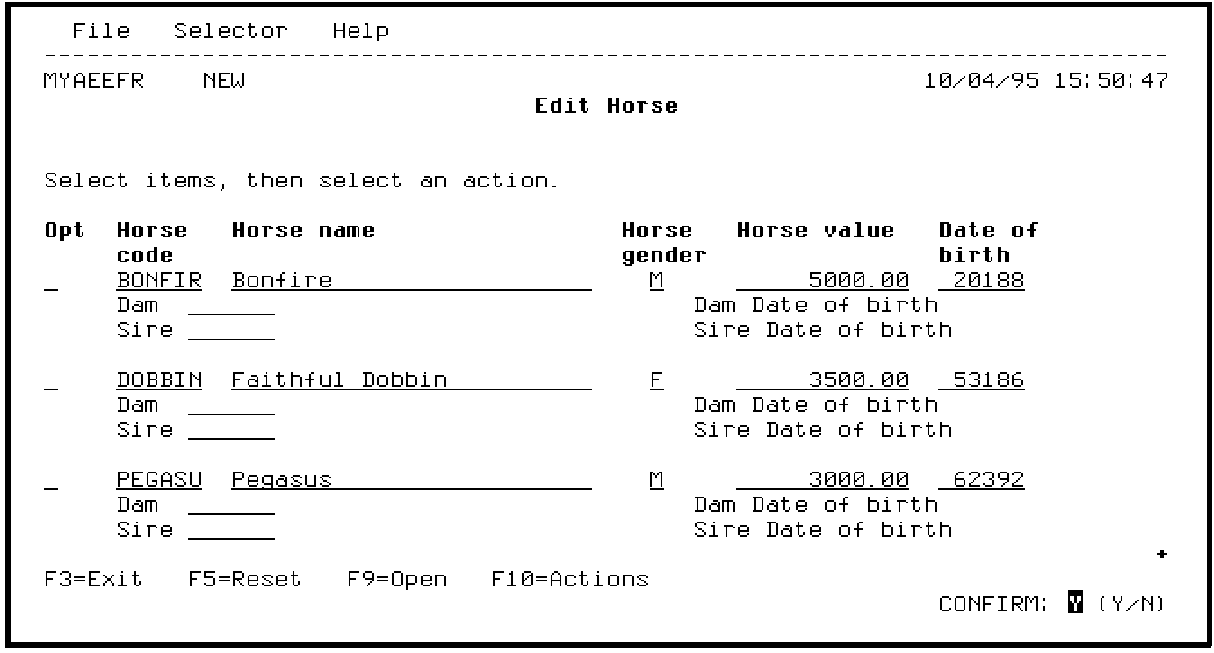
Press Enter.
Note that once added, the key fields cannot be changed except by deletion.
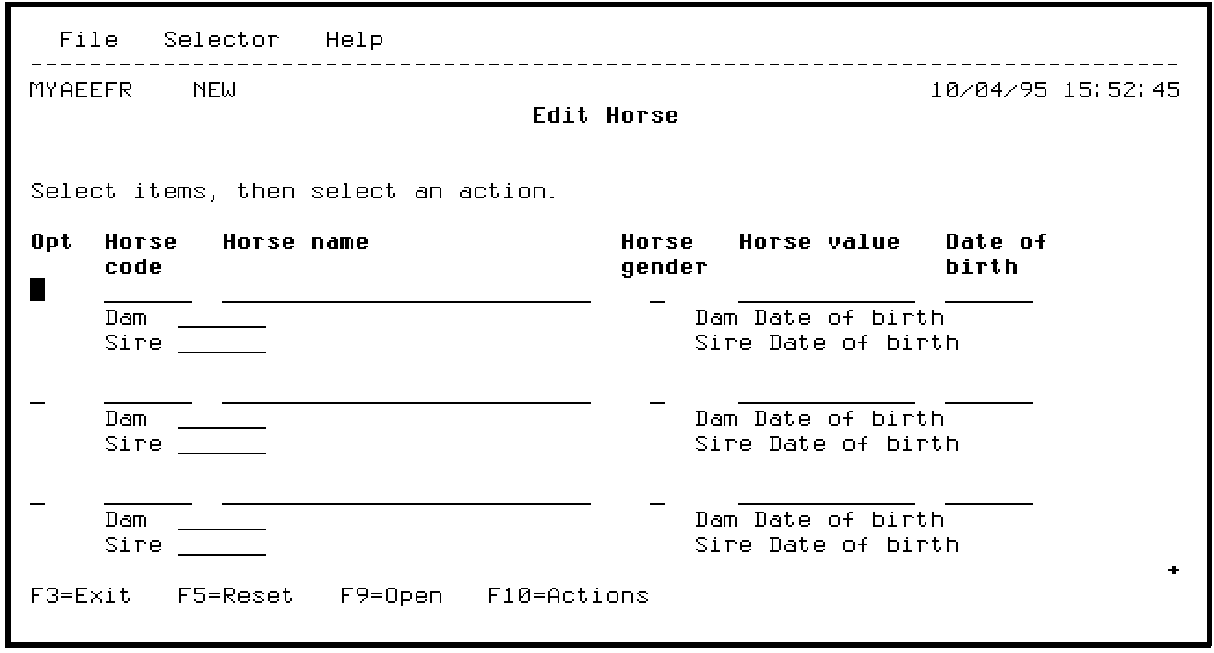
After the new data has been successfully added, another empty subfile page is displayed, ready for more entries.
|
Copyright © 2014 CA Technologies.
All rights reserved.
|
|