

An empty input panel is displayed. Note that the program mode is New. This is where you may add new data. The panel should have the design you created and data should be validated according to the rules you specified in the design. Test this out by entering invalid values. Also try pressing F4 for the Horse gender field to display a selection list of available values.
To add data to the database file, type horse details.
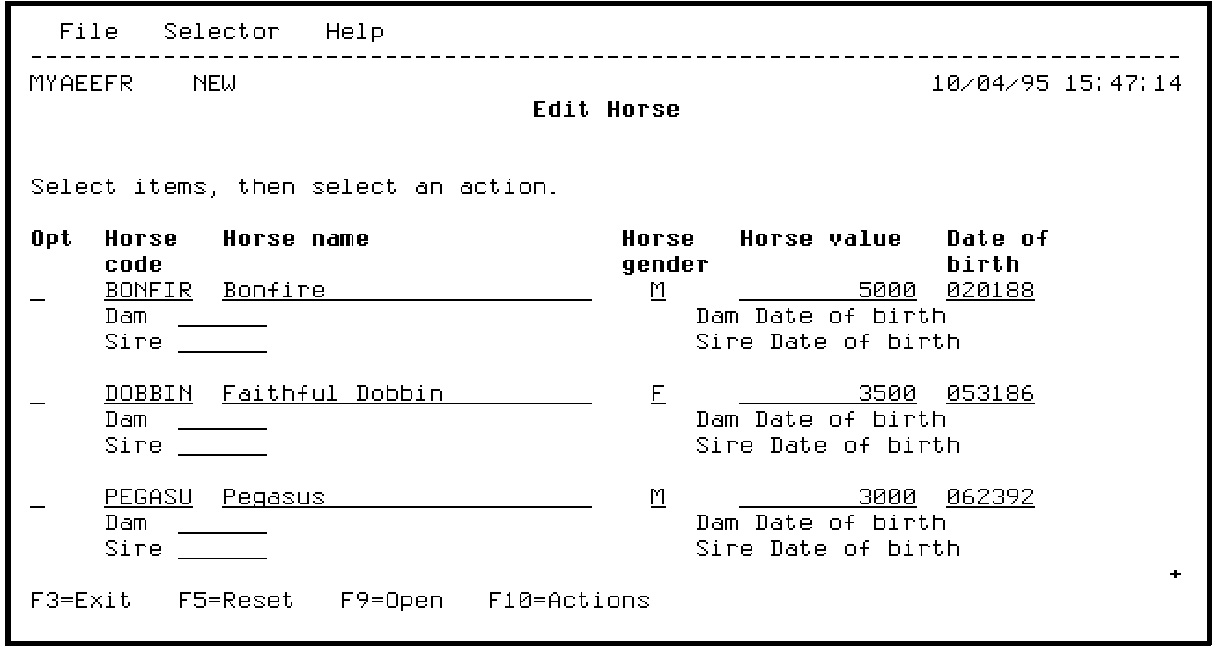
Press Enter.
|
Copyright © 2014 CA Technologies.
All rights reserved.
|
|