

Press F9 to add a new message function that will be executed if Dam Date of birth is greater than or equal to Date of birth.
Name the message function Dam younger than horse. This is to be an error message so the type will be ERR. Type the message name.
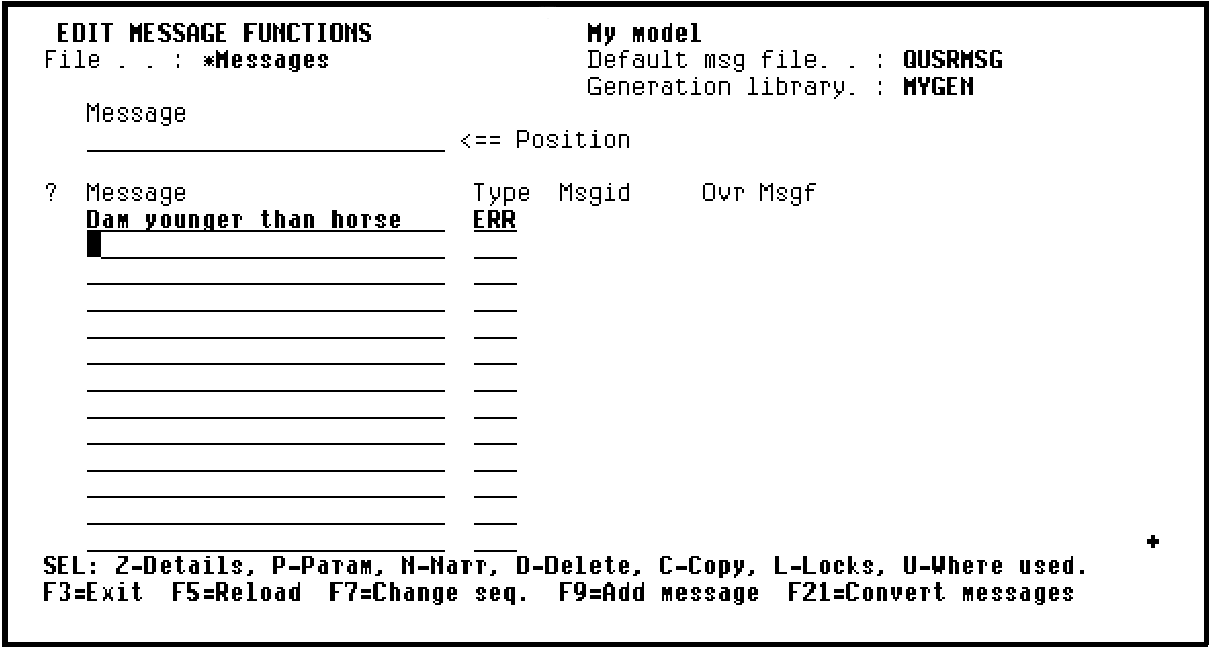
Press Enter. The new message function is added to the *Messages file.
Note: You could also add the message function to be executed when Sire Date of birth is greater than or equal to Date of birth now. Instead you will use another method for creating message functions to add the second message function later in this tutorial.
|
Copyright © 2014 CA Technologies.
All rights reserved.
|
|