

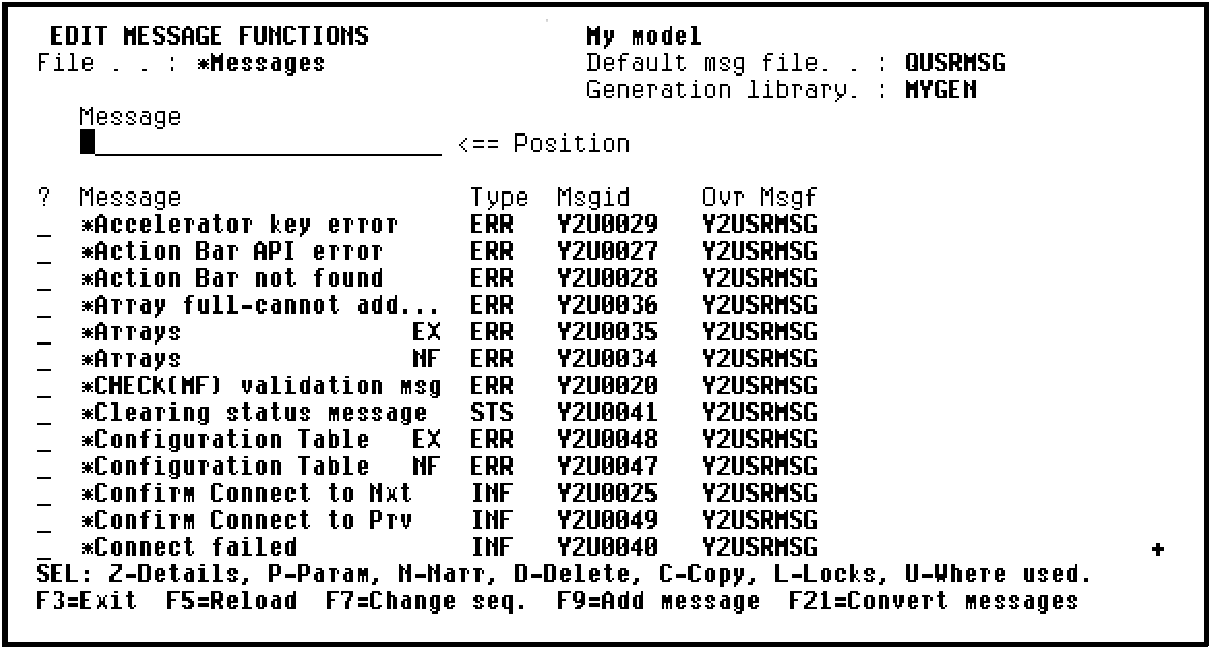
The Edit Message Functions panel displays a list of the message functions available on the file *Messages. A number of general purpose messages are supplied with CA 2E. The types of messages available include, ERR (Error message), INF (Information message), EXC (Execution message), and STS (Status message). You can scroll through the messages by pressing Roll Up and Roll Down.
You can select one of the messages displayed or you can create your own. To send an explicit message about a horse, you will need to create a new message.
|
Copyright © 2014 CA Technologies.
All rights reserved.
|
|