

Symptom:
If the agent is not connected to the network and I try to pause a plan, the plan is not paused. Similarly, if the agent is not connected to the network and I try to resume a plan, the plan is not resumed.
Solution:
You can resolve this issue by manually updating the node from the Console.
Follow these steps:
resources
tab on the Console.All Nodes
.All the added nodes are displayed on the center pane.
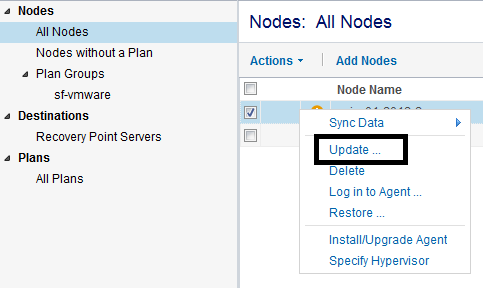
The node is updated and the plan is refreshed.
|
Copyright © 2015 Arcserve.
All rights reserved.
|
|