

|
|
|
You can export a configuration file as an XML file and save it in a directory on a web server. The transfer records in the exported XML file can then be imported for further processing, such as scheduling.
To export a configuration file
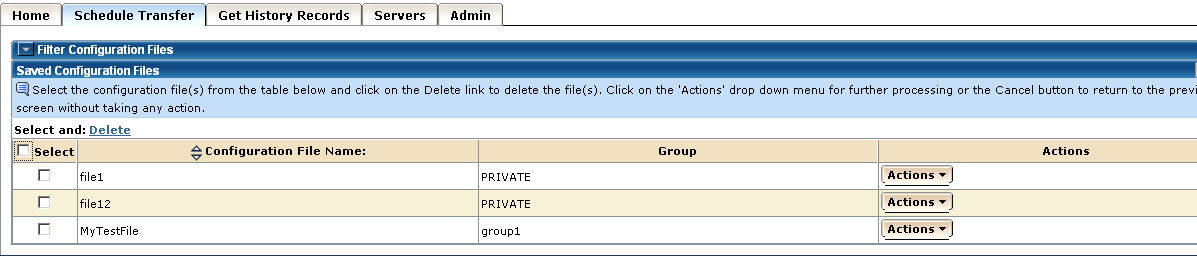
The main Schedule Transfer page appears.
The Save Configuration Files page appears.
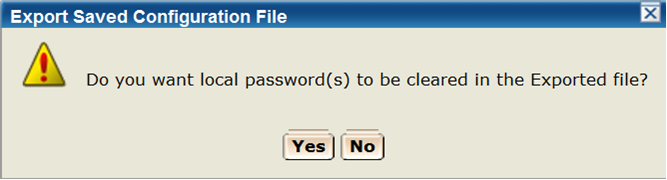
A dialog opens and allows you to either keep or clear the local user password(s) in the exported configuration file.
The Export and Save Selected Configuration(s) in an XML File page appears.
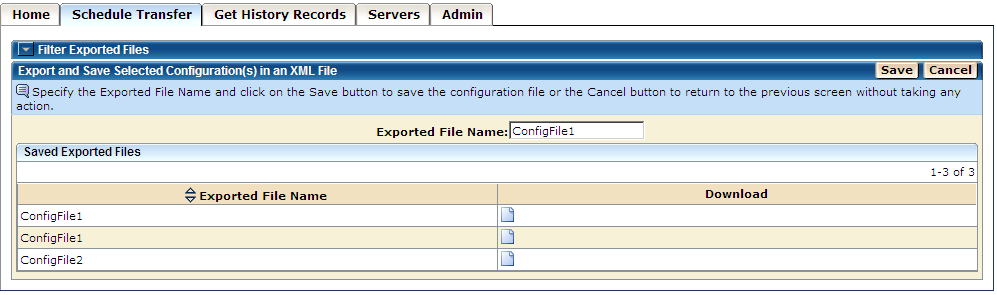
The configuration file, with its transfer records, is saved in an XML file on the web server. The directory path for the exported files is specified in the Global Parameters file by the Super Admin.
Notes:
xxxxx/loginuserid/ExportedConfigurations
The value of the HOMEDIRECTORY parameter of the EXPORT element in the Global Parameters file.
The ID of the logged in user (or the first 60 characters of the logged in user ID if the user ID length is more than 60 characters).
| Copyright © 2011 CA. All rights reserved. | Tell Technical Publications how we can improve this information |