

|
|
|
To delete or submit a configuration file
The main Schedule Transfer page appears.
The Save Configuration Files page appears.
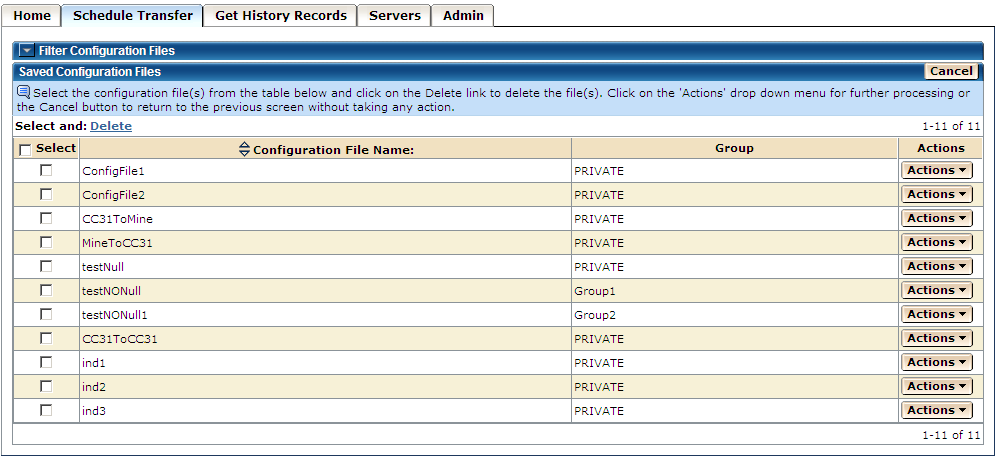
A dialog opens, allowing you to confirm or cancel the delete process.
The transfer records in the file are submitted for scheduling.
Note: If you click the Cancel button on this page, the process is canceled and the system returns to the previous page.
| Copyright © 2011 CA. All rights reserved. | Tell Technical Publications how we can improve this information |