

|
|
|
To build a transfer record by using Quick Transfer
The main Schedule Transfer page appears.
Notes:
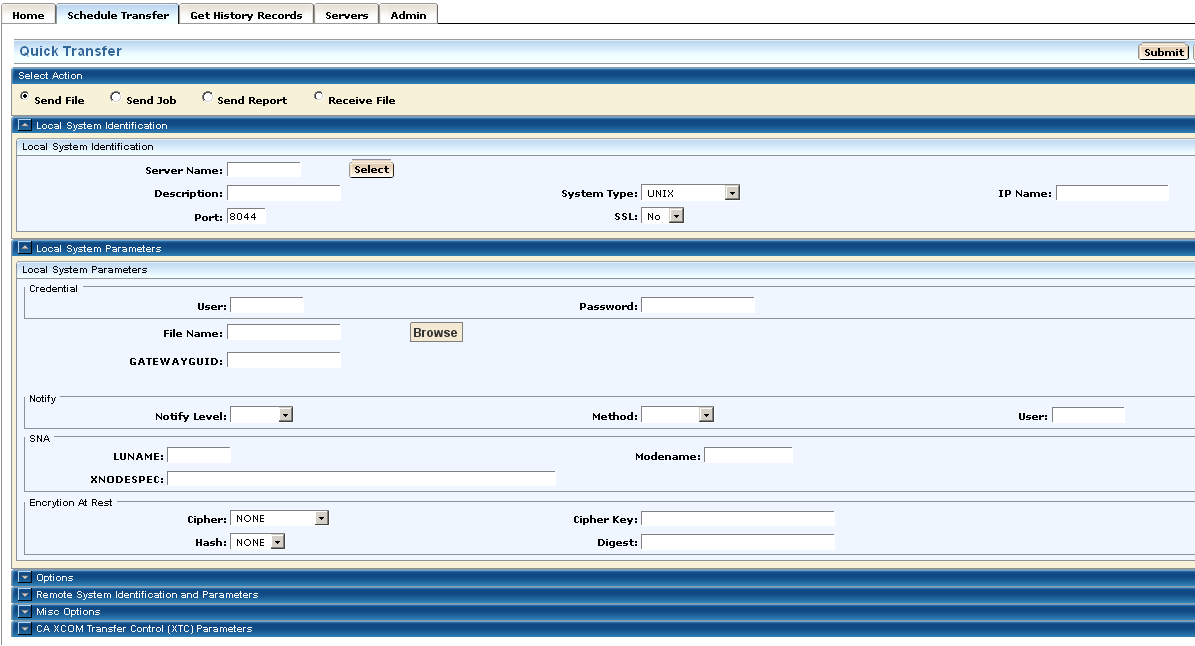
Quick Transfer builds the transfer record, submits it for scheduling, and returns to the main Schedule Transfer page, displaying the built record in the transfer record table for further processing.
A confirmation message is also displayed.
Note: You can click the Cancel button to cancel the process and return to the previous page.
| Copyright © 2011 CA. All rights reserved. | Tell Technical Publications how we can improve this information |