

|
|
|
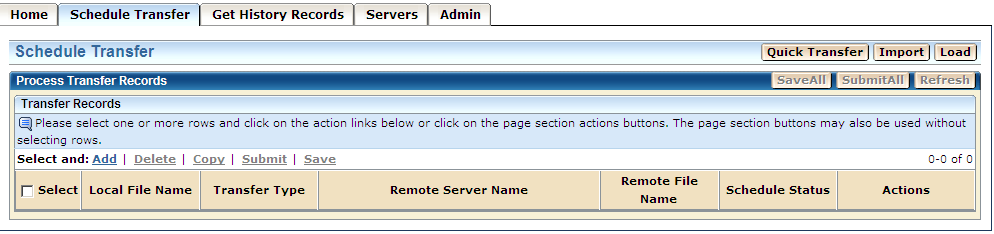
You can build transfer records using any of the following functions under the Schedule Transfer tab:
You can build a single transfer record quickly by using the Quick Transfer function.
You can build one or more transfer records at a time by using the Edit link.
You can build one or more transfer records at a time, in a step-by-step process, by using the Wizard link.
To display the main Schedule Transfer page
The Home page appears.
The main Schedule Transfer page appears.
| Copyright © 2011 CA. All rights reserved. | Tell Technical Publications how we can improve this information |