

|
|
|
The CA XCOM Management Center website consists of the following:
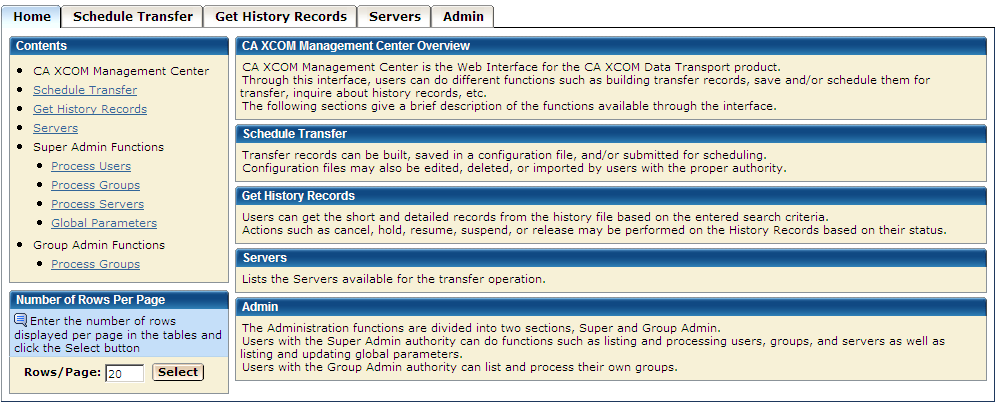
Clicking this tab returns you to the initial menu page (shown below) from any page on the website.
Clicking this tab navigates to the schedule transfer section of the website, which permits functions such as building transfer records, saving transfer records as configuration files, and submitting records for schedule.
Clicking this tab navigates to the get history records section of the website, which permits users to get the history record information for a server. Users can also update the priority and start data and time of an inactive transfer or change the status of active and/or inactive transfer.
Clicking this tab navigates to the servers record section of the website, which lists all the available servers to the user and their associated attributes.
Clicking this tab navigates to the CA XCOM Management Center configuration facilities (see the chapter "Configuring and Administering CA XCOM Management Center"). The Admin tab appears only if you have logged in to CA XCOM Management Center using a Super and/or Group Administrator user ID.
| Copyright © 2011 CA. All rights reserved. | Tell Technical Publications how we can improve this information |