

|
|
|
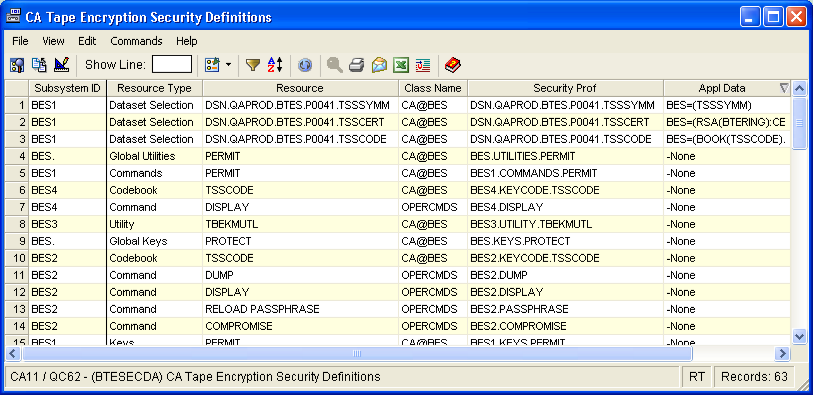
The Security Definitions window displays all items defined to the external security system that affect the operation of CA Tape Encryption. These definitions include data set selection profiles, command protection profiles, utility protection profiles, key protection profiles, and default control profiles. Profiles that will apply to all CA Tape Encryption address spaces are prefixed with “BES.”, and specific profiles that apply to an individual CA Tape Encryption address space begin with “BES” followed by the number of the address space, such as “BES1”. Data set selection profiles begin with “DSN.” followed by the data set name.
For example, all data sets that will be selected for encryption using the security feature will have a “Resource Type” of “Dataset Selection”.
To open the display
The Object Tree is displayed in the Windows Client showing the CA Tape Encryption objects.
The Security Definitions window opens, as shown in the following sample:
| Copyright © 2010 CA. All rights reserved. | Tell Technical Publications how we can improve this information |