

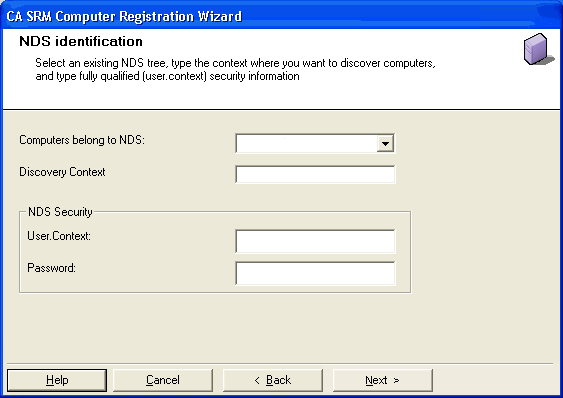
From the Security Scheme dialog, indicate whether the NetWare computers that you want to register belong to a security NDS (Novell Directory Services).
If the computers do not belong to a security NDS, select the Does not belong to a security NDS button and click Next. Go to Setting the Properties for Standalone Computers in this chapter.
If the computers belong to a security NDS, follow these steps:
|
Copyright © 2016 CA Technologies.
All rights reserved.
|
|