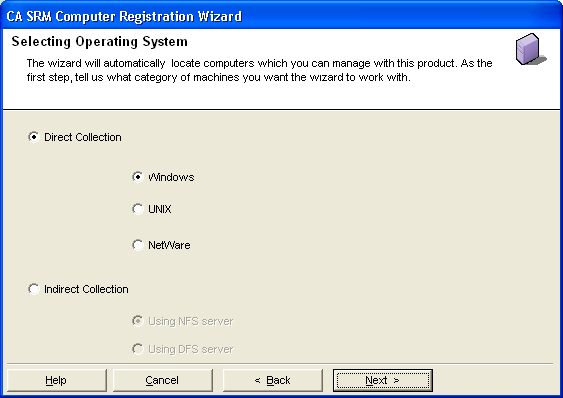
From the Open Systems menu of the CA SRM Windows Client, select Register, Network Storage, and then Computers and Domains. You can also start the CA SRM Computer Registration Wizard by selecting Configuration, Register from the Computers table.
Click Next on the Welcome window. The Select Operating System dialog opens: