

This section describes how to create a query using the Service Builder Wizard. The Service Builder Wizard contains predefined sets of sample services. After completing the configuration steps, the service is ready to use. If you want to tailor a service, use the Query Service Builder Wizard to customize it.
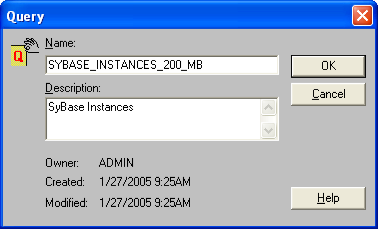
The following example shows you how to list all Sybase instances. To do this, follow these steps:
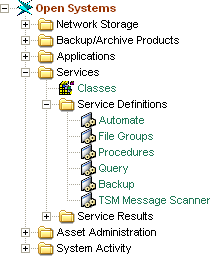
The Query table opens.
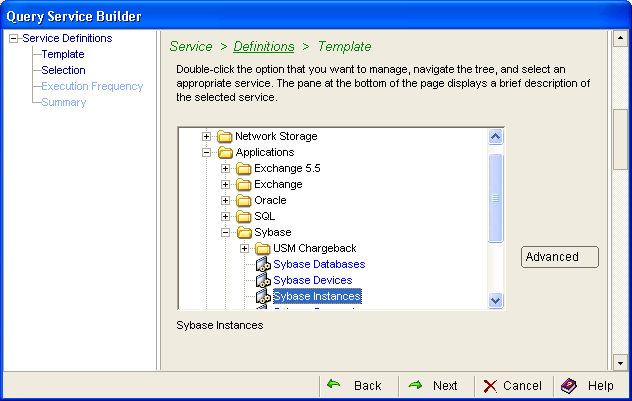
Click the Configuration menu and then New in the Query table. The Query Service Wizard opens. Expand Templates, Applications, Sybase, and then select Sybase Instances:
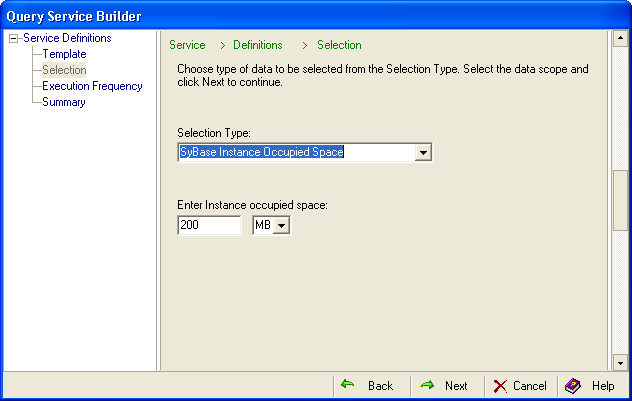
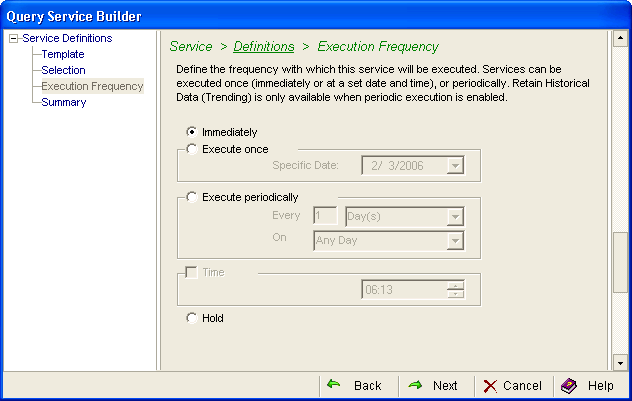
Note: If you make changes in the Advanced dialog, you will have to use it for all of your future changes. After you use the Advanced dialog for a service, you can no longer edit the service in the Service Builder Wizard.
You can use the CA SRM Activity Monitor to check the progress of any service that you create. From the Open Systems menu, select Activity Monitor.
|
Copyright © 2016 CA Technologies.
All rights reserved.
|
|