

The trend consolidation schedule determines when the Trend Consolidation runs. This scheduled time determines how often CA SRM Web Reporter consolidates all of the trend data. The default setting is 7 days, so the trend consolidation runs at 0:00:01 on day 8. The minimum interval is 1 day.
To change the Trend Service Schedule
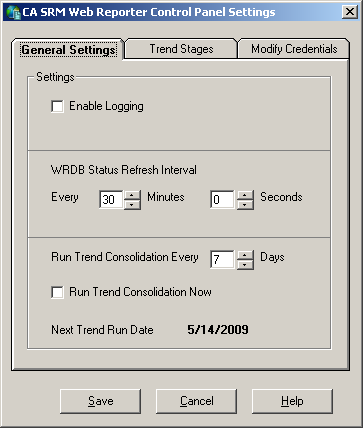
The new setting takes effect immediately.
|
Copyright © 2013 CA.
All rights reserved.
|
|