

The Trend Scratchpad opens the Trend view in a separate Trend Scratchpad dialog. Use the Trend Scratchpad dialog to modify the Scratchpad trend report without affecting the original Trend view.
You can access the Trend Scratchpad dialog by either clicking the Trend Scratchpad icon in the Trend view or you can click View, then Trend Scratchpad from a Trend view of an object.
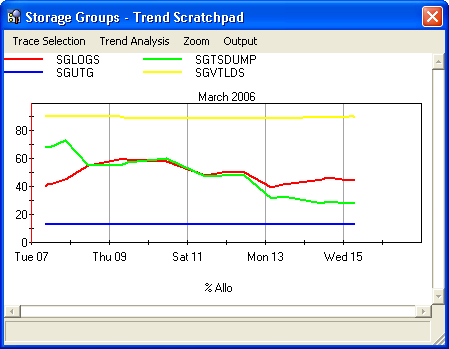
The following is an example of the Trend Scratchpad view:
|
Copyright © 2013 CA.
All rights reserved.
|
|