

User Views › Object Menu Bar › Options Menu › View and Output Definition Wizard › Contents - Table - Groupings
Contents - Table - Groupings
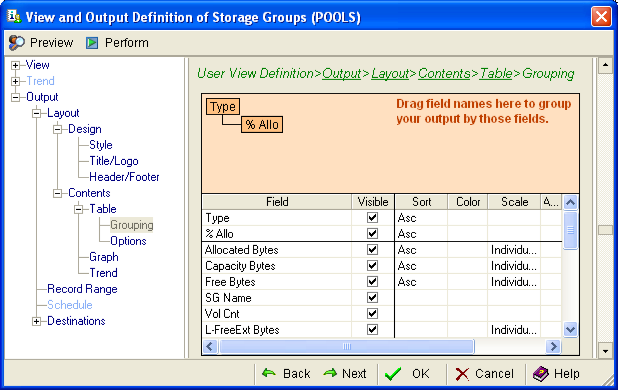
The Table section of the View and Output Definition wizard includes Groupings and Options features. Use the Groupings page to organize the data in the report. The following is an example of the Grouping page:
To organize a maximum of four fields for your report
- Left‑click and hold the mouse button on the field you would like to see as the first column in your report.
- Drag the field to the area directly above the data fields, as shown in the previous example, and release the mouse button. Note that the field is now shown in an orange box.
- Repeat the process with up to three additional fields, in the order in which you want them to appear in your report.
Copyright © 2013 CA.
All rights reserved.
|
|