Previous Topic: Change the Administrator Password in all CA SOI FilesNext Topic: Change the SA Store Connection Password in all CA Catalyst Files


How to Change the SA Store Connection Password

As an administrator, you can change the connection password for the SA Store database in CA SOI. You change this password on the SA Manager server. Complete the following process to change the SA Store connection password in all necessary areas:

Use this scenario to guide you through the process:
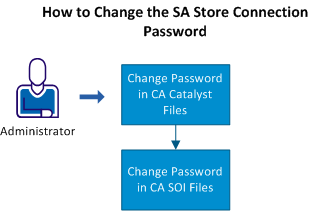
This illustration shows the steps that you can follow to change the Persistence Store password.

  1. Change the SA Store connection password in all CA Catalyst files.
  2. Change the SA Store connection password in all CA SOI files.