

|
|
|
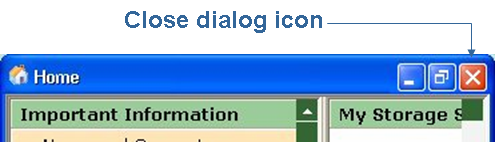
Many Windows Client users prefer to close the Home Form dialog and display the Host List dialog and the Object Tree dialog.
To close the Windows Client Home Form dialog click the Close dialog icon located at the top right hand corner of the Home Form dialog shown in the following sample.
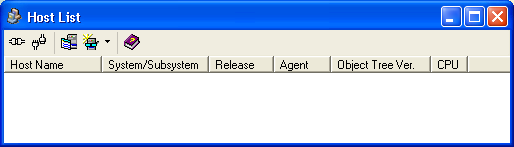
To display the Host List dialog click the Host List icon ( ) located in the Windows Client Toolbar. The following is a sample of the Host List dialog.
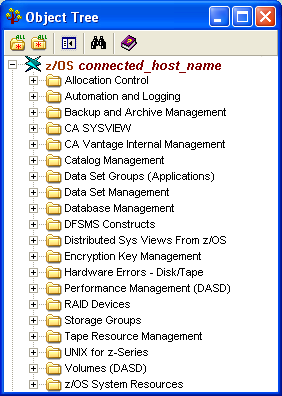
To display the Object Tree dialog click the Object Tree icon ( ) located in the Windows Client Toolbar. The following is a sample of the Object Tree dialog.
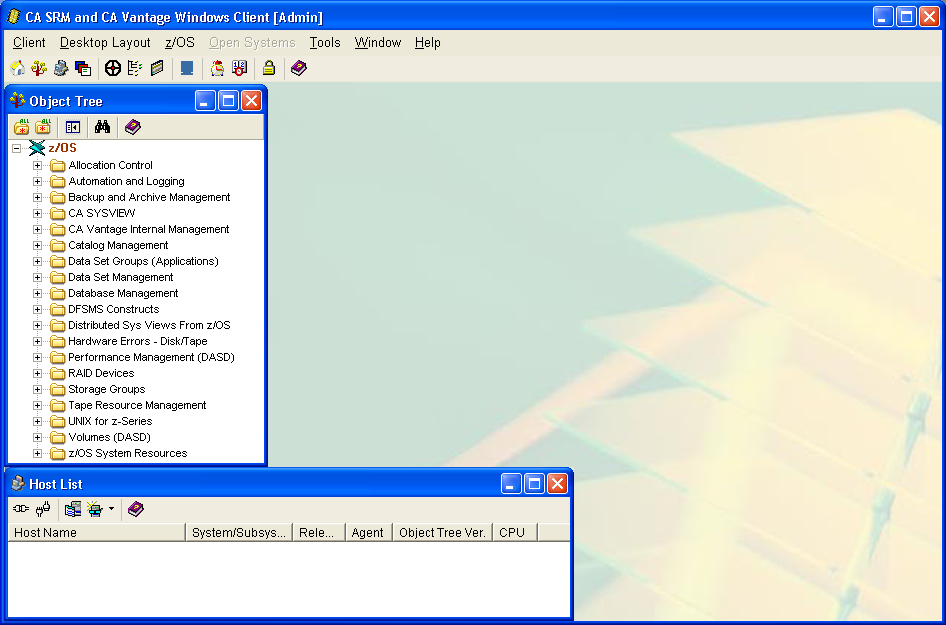
You can resize and move displayed dialogs in the Windows Client the same as you resize and move opened windows on your PC desktop. Arrange the Host List and Object Tree dialogs so they display as shown in the following screen capture sample.
| Copyright © 2012 CA. All rights reserved. | Tell Technical Publications how we can improve this information |