

After you log in for the first time, configure your user interface display settings.
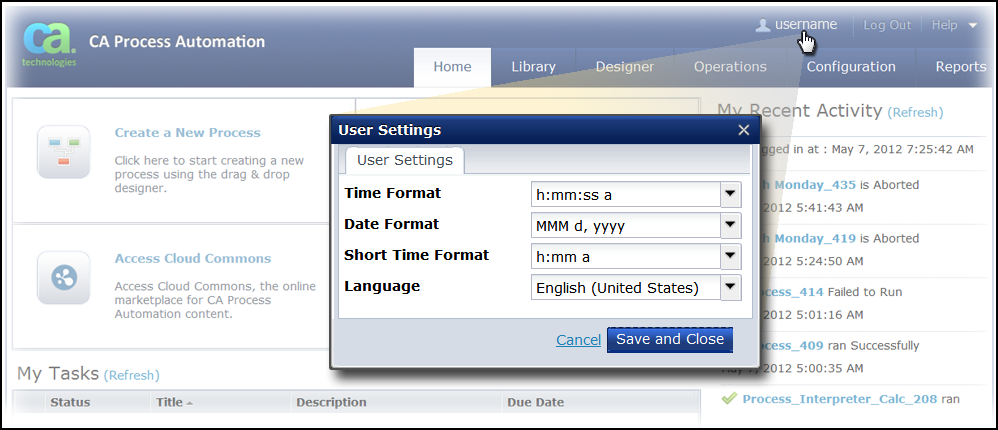
Follow these steps:
Note: CA Process Automation automatically saves and restores other personalized adjustments that you make as you work. For example, if you dock a palette or customize the columns you want to view in a table or list.
|
Copyright © 2014 CA.
All rights reserved.
|
|