

Use the Send Email operator to deliver email notifications to specified recipients.
The CA Process Automation email implementation supports sending mail through an SMTP server. You can specify any valid email address that is supported by the SMTP server. These addresses can include aliases, a mailing list, a fax address, or a digital pager. The SMTP server, rather than CA Process Automation, handles the actual delivery of a message.
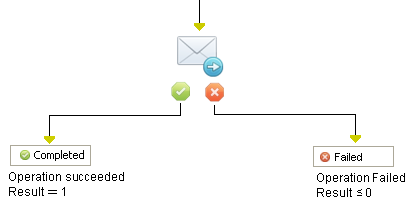
The Send Email operator can include attached files. You can specify attachments to send dynamically updated files rather than static information specified when you added a Send Email operator to a process. This feature is useful for sending attachments such as log and exception files.
The Send Email operator also supports HTTP/HTTPS URLs as an attachment path. The Send Email operator fails if a path name is not valid at run time.
Tip: Specify that locations for attachments are relative to the touchpoint running the Email operators.
|
Copyright © 2014 CA.
All rights reserved.
|
|