

The CA Process Automation bookshelf provides convenient access to the following product documentation in both HTML format (for online viewing) and PDF format (for printing). Both formats include search features.
A scenario is concise, modular information that explains how to interact with CA Process Automation to achieve specific goals.
The CA Process Automation Bookshelf also includes the following features:
You can view the bookshelf in the following ways:
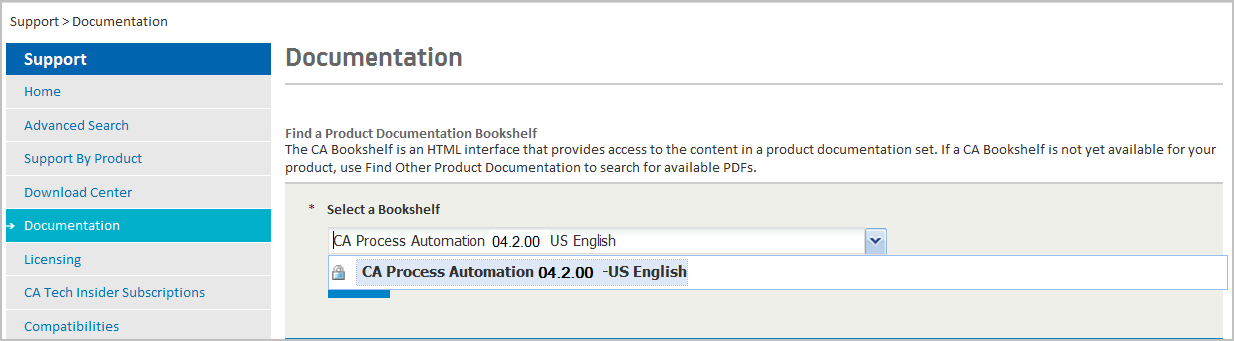
Log in is not required. Select Documentation and then select CA Process Automation, the release number, and language from the Select a Bookshelf drop-down list. Click Go to open the bookshelf.
The online help provides CA Process Automation workflows that can help you understand who does what and when. The scenario-based content provides drill-down information about lifecycle tasks that administrators, content designers, and production users perform. Additionally, you can get context-sensitive help for each operator on the Designer tab canvas. Context-sensitivity is at the tab level for the other tabs.
|
Copyright © 2013 CA.
All rights reserved.
|
|