

|
|
|
You already defined Project, the first of three entities for the application you are building. For more information, see Defining the Project Entity in the chapter "Defining Entities." In this section, you use the Diagrammer to define the Employee and Task entities.
To define the Employee and Task entities
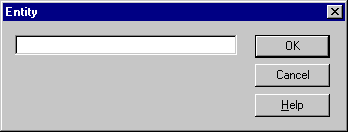
Note: The caption on the dialog is Entity. The caption on this dialog shows you the type of object you are defining.
Note: When you create a node by right-clicking in the diagram, the node appears where you click the mouse.
Note: The Task node appears where you clicked your mouse.
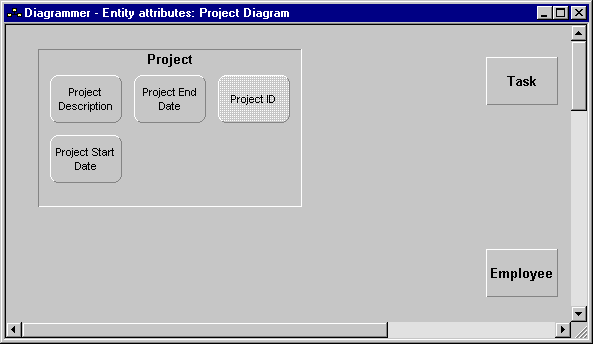
Your diagram should look something like this:
| Copyright © 2012 CA. All rights reserved. | Tell Technical Publications how we can improve this information |