|
|
|
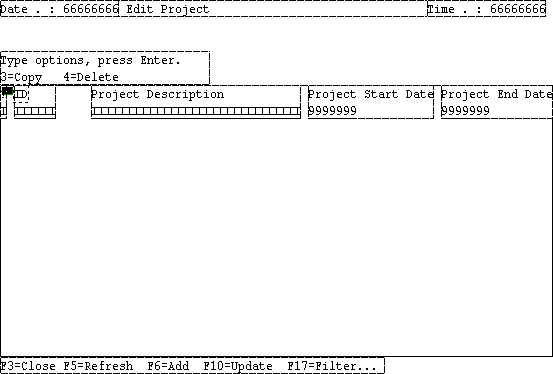
When you edit panels, you can make changes to individual elements, as you did in the previous steps. In this section, you make additional changes to elements on a panel. Currently, the labels for the columns on the panel open in the Panel Designer all start with Project, even though the panel’s title is Edit Project. Because this is redundant and takes up screen space, you will delete the word Project from each of these labels.
Next, you will modify the properties of the fields in the Grid region.
To change the field properties:
Notice that the field’s label changes in the Design Window:

| Copyright © 2012 CA. All rights reserved. | Tell Technical Publications how we can improve this information |