

|
|
|
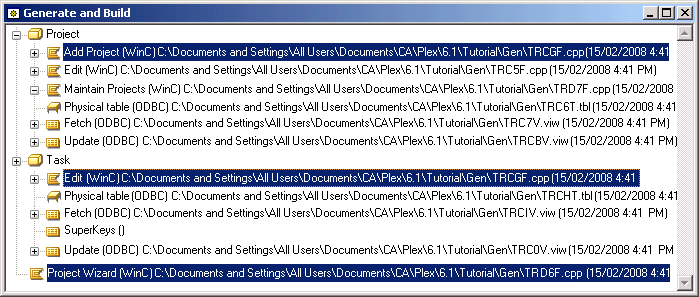
Since you last generated, you have modified Project.Add Project and Task.Edit. You also modified the panel scoped by the Project Wizard function.
Note: Remember that when you change a panel, you must generate and build the function that scopes it before you can see the change. You do not generate or build panels directly.
For more information on generating and building, see Generating and Building in the chapter "Your First CA Plex Application in 20 Minutes."
| Copyright © 2012 CA. All rights reserved. | Tell Technical Publications how we can improve this information |