Customize the DECwindows Motif Real-time Display › How You Set the Panel Options › Specify a Panel Title
To specify a title
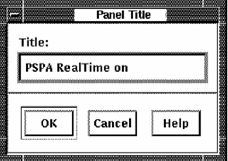
Performance Manager displays the Panel Title dialog, as shown in the following screen:
The supplied string can optionally have appended to it the node name and the instance value.