

To save the reports
Performance Manager displays the Save Reports dialog box. The reports reflect the data selected for analysis as shown in the main window's Data Selected for Processing Section. This option is disallowed if no data has been selected or if data selection was canceled.
For details of data selection, see the section How You Select Data for Analysis.
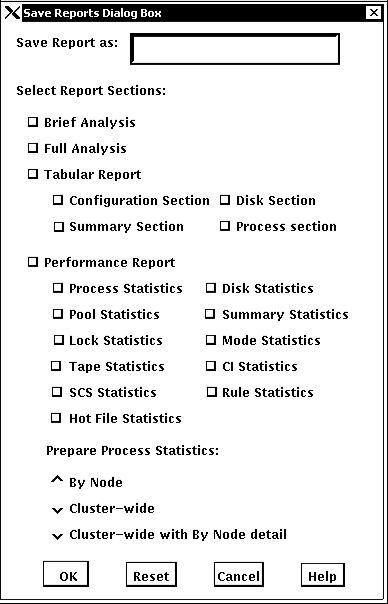
The dialog box is removed from the screen and the file created.
|
Copyright © 2008 CA.
All rights reserved.
|
|