

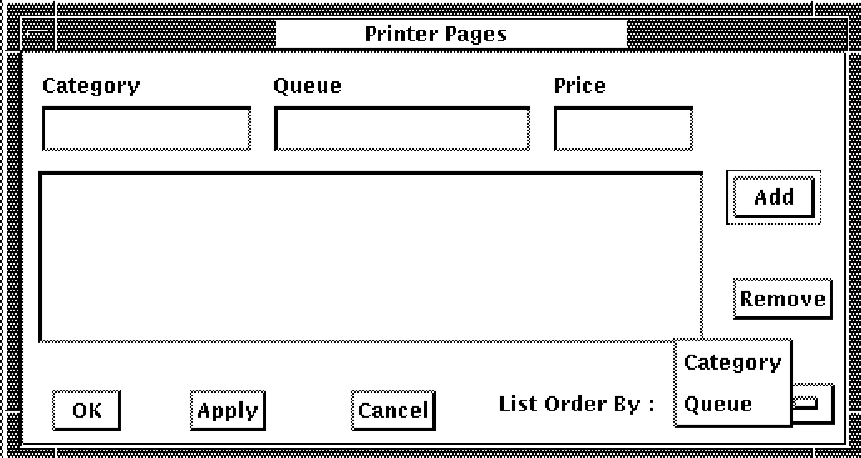
To enter prices, pull down the Select menu and release on the Printer Pages . . . menu item. You can display the entries by category or by queue. Point to the List Order By: box and press and release on the choice you want. The selections are shown in the following figure.
For each price you want to enter
If you want to add an entry similar to an existing entry, you can copy the entry to the entry line. To copy, double click on the entry. The entry will appear on the entry line where you can edit the entry to create a new entry.
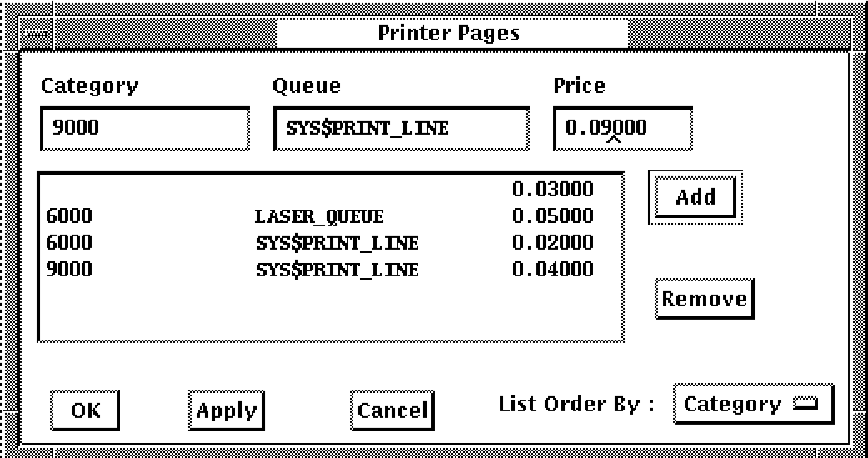
The following figure shows the printer page dialog box with some sample prices.
|
Copyright © 2008 CA.
All rights reserved.
|
|