Using the DECwindows Motif Interface › Editing Price Files from the Customize Menu › Selections for Editing Price Files › Entering a Report Title
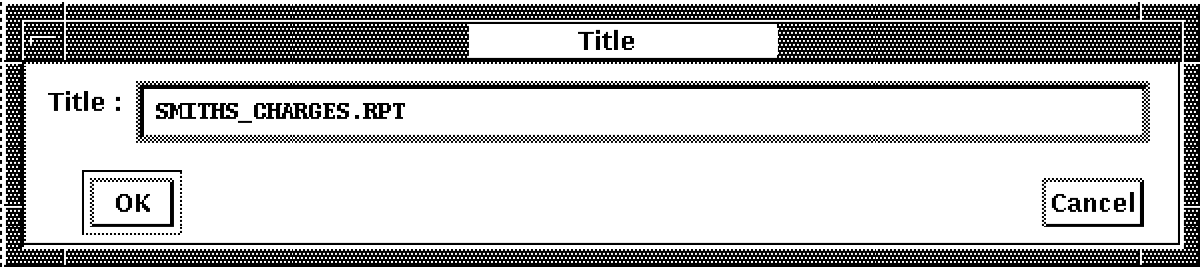
To enter a title for the report, pull down the Select menu and release on the Report Title menu . . . item. The dialog box shown below is displayed. Type the report name and click on OK.