Installing the Product › Installation Modes › Installation Using the GUI Wizard › Step 8. Complete the Installation
Step 8. Complete the Installation
To complete the installation
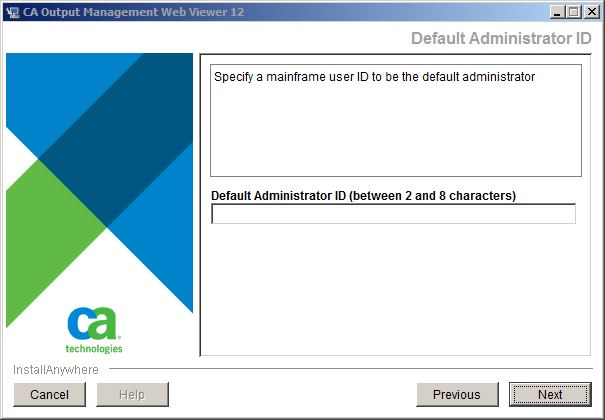
- Supply the mainframe User ID that is to be used as the default administrator ID. This user will be granted the Super Admin privileges needed to set up initial Web Viewer configurations.
Note: For more information about the role of Super Admin, see the Administration Guide.
- Review the settings displayed in the Pre-Installation Summary.
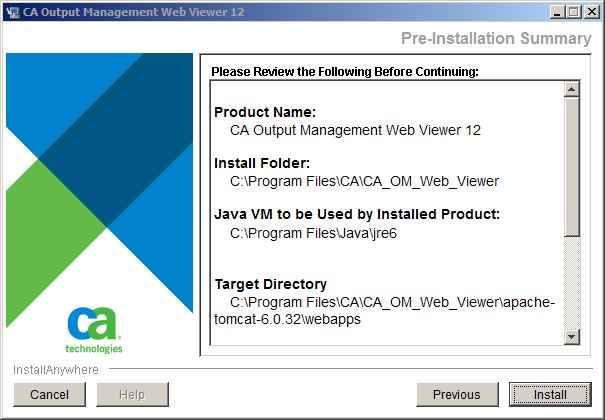
- Click Install.
- Respond to any overwrite messages.
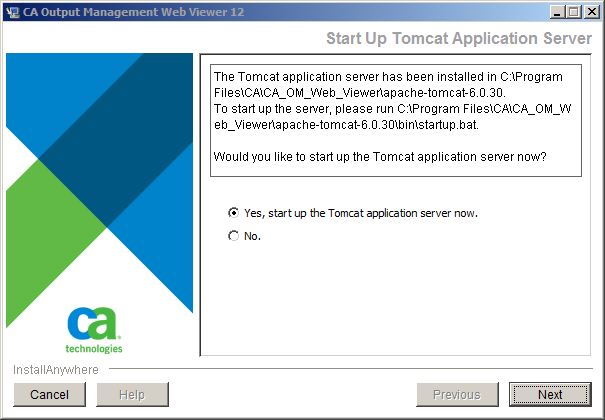
- If you chose to install a new Tomcat Java web server, respond to the start server now question.
The Tomcat web application server will be started up immediately if you choose Yes and click Next.
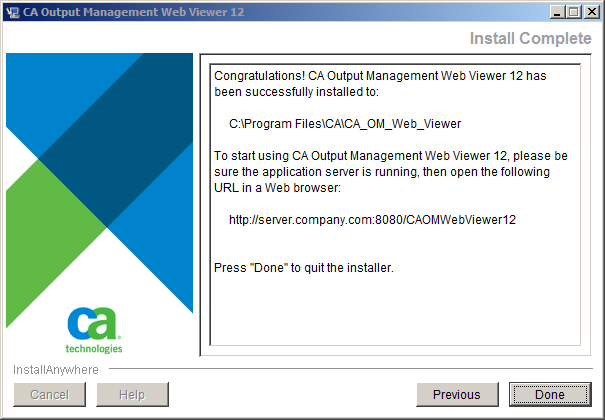
- Review the Install Complete information and follow the instructions to use the URL to start CA Output Management Web Viewer in a web browser.
Note that if you are using an existing Java web server, the URL is only a template. The actual URL may vary according to how you set up and deploy CA OM Web Viewer on your own Web application server.
- Click Done.
|
Copyright © 2011 CA.
All rights reserved.
|
|

