

|
|
|
When you select an interface under one of the routers in the Interface Index, an Overview report for that interface opens.
To change the report type, select an option from the list in the upper left corner of the page.
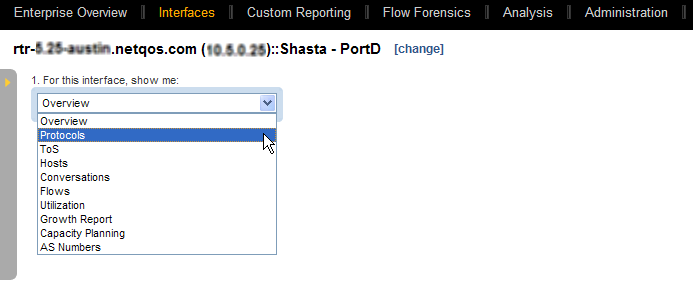
The following topics describe the report types that you can display in drilldown Interface reports.
Use the icons at the top-right to refresh, print, or email the current report.
| Copyright © 2012 CA. All rights reserved. | Tell Technical Publications how we can improve this information |