

|
|
|
View the System Status page at any time to check the overall status of CA Network Flow Analysis components.
Follow these steps:
or
The System Status page opens and shows a quick overview of the status of CA Network Flow Analysis components. Status symbols identify any components that have generated warnings. The number of warnings appears in parentheses after the component label.
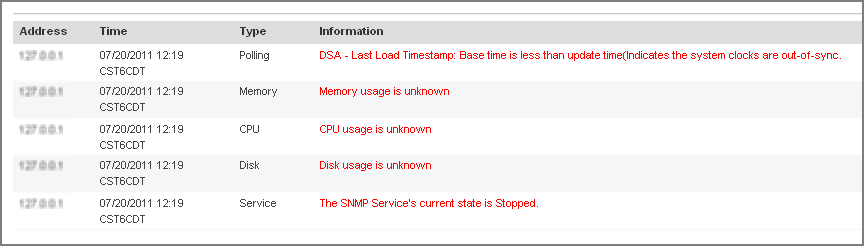
A table of warnings appears.
| Copyright © 2012 CA. All rights reserved. | Tell Technical Publications how we can improve this information |