

|
|
|
Using the SYSTEM account, run the installation procedure on the OpenVMS system by typing the following command:
For Alpha:
$ run device:[000000]setup_alpha.exe
For Integrity:
$ run device:[000000]setup_ia64.exe
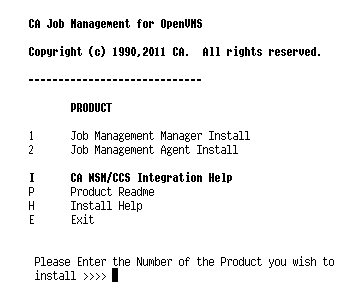
This command launches an installation menu where you can install the components shown here:
| Copyright © 2012 CA. All rights reserved. | Tell Technical Publications how we can improve this information |