

|
|
|
To delete a Special Day Class with the Motif interface:
A list box of existing Day Classes is displayed as shown in the following figure:
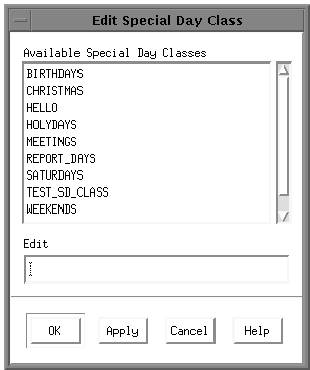
A dialog box appears that asks you to confirm the deletion.
The dialog box is cleared from the screen.
| Copyright © 2012 CA. All rights reserved. | Tell Technical Publications how we can improve this information |