

|
|
|
To edit a Special Day Class with the Motif interface:
A list box of existing Day Classes is displayed as shown in the following figure:
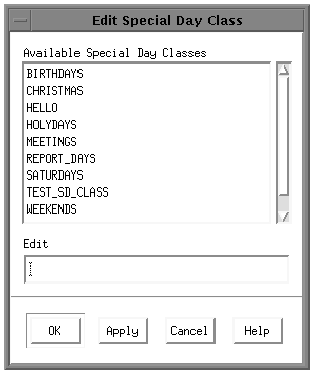
The Special Days Calendar is displayed.
The new Special Day Class is defined by the days that are shaded.
The Special Days Class is redefined.
Click on OK to save the changes.
| Copyright © 2012 CA. All rights reserved. | Tell Technical Publications how we can improve this information |