

|
|
|
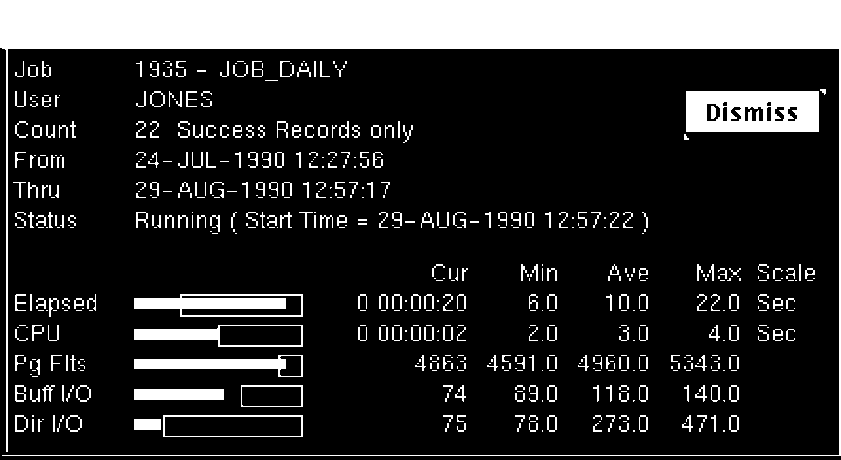
While the job is running, white or colored bars display next to each resource to indicate the current usage; the rectangle outlines remain present to indicate the historical usage. While the job is running, the Job Monitor window automatically refreshes itself every 10 seconds to update the resource usage information.
| Copyright © 2012 CA. All rights reserved. | Tell Technical Publications how we can improve this information |