

|
|
|
The Linear Display window displays a list of the jobs you selected from the Load Jobs dialog. Each rectangle in the Linear Display window shows the number, name, and owner of a selected job.
By default, all jobs are sorted by job number in the Linear Jobs Display window. Refer to Sorting Jobs in the Linear Display Window for more information about how to sort jobs in the Linear Display window.
The Linear Display window lets you display a Navigation window that allows you to select and display portions of the window that are not visible, and to change the size of boxes displayed (see Using Navigation Windows).
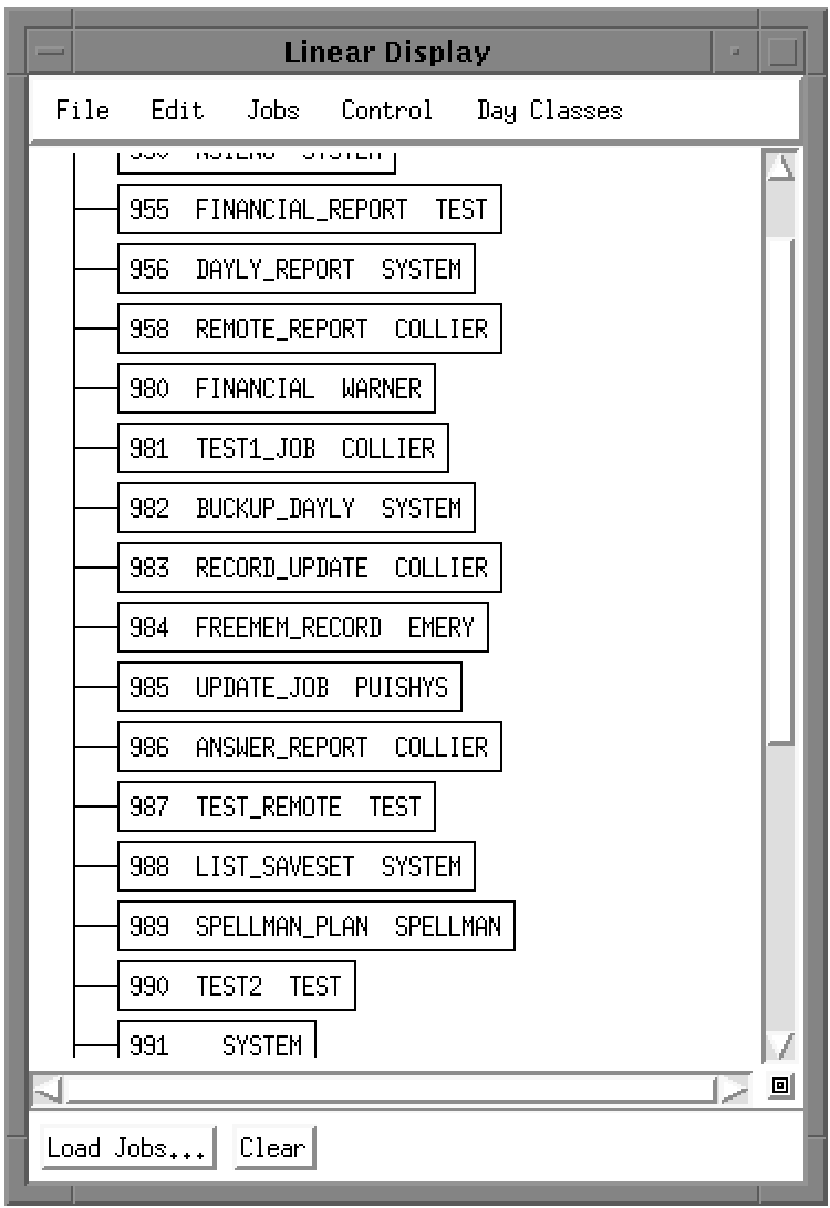
The menu bar in this window includes the same five pull-down menus as the Graphical Display window, with the following differences:
Pressing and holding MB3 a job in the Linear Display window displays a pop-up menu with the same choices found on the Jobs pull-down menu. Moving the pointer over Control and dragging the mouse to the symbol [-> displays a submenu with the same choices found on the Control pull-down menu. To select one of these submenu items, move the pointer over the menu item you want and release MB3.
| Copyright © 2012 CA. All rights reserved. | Tell Technical Publications how we can improve this information |