

CA InterTest provides extensive online documentation and context-sensitive help. You can request online help anytime while using CA InterTest by clicking the Help menu and selecting the following options as needed.
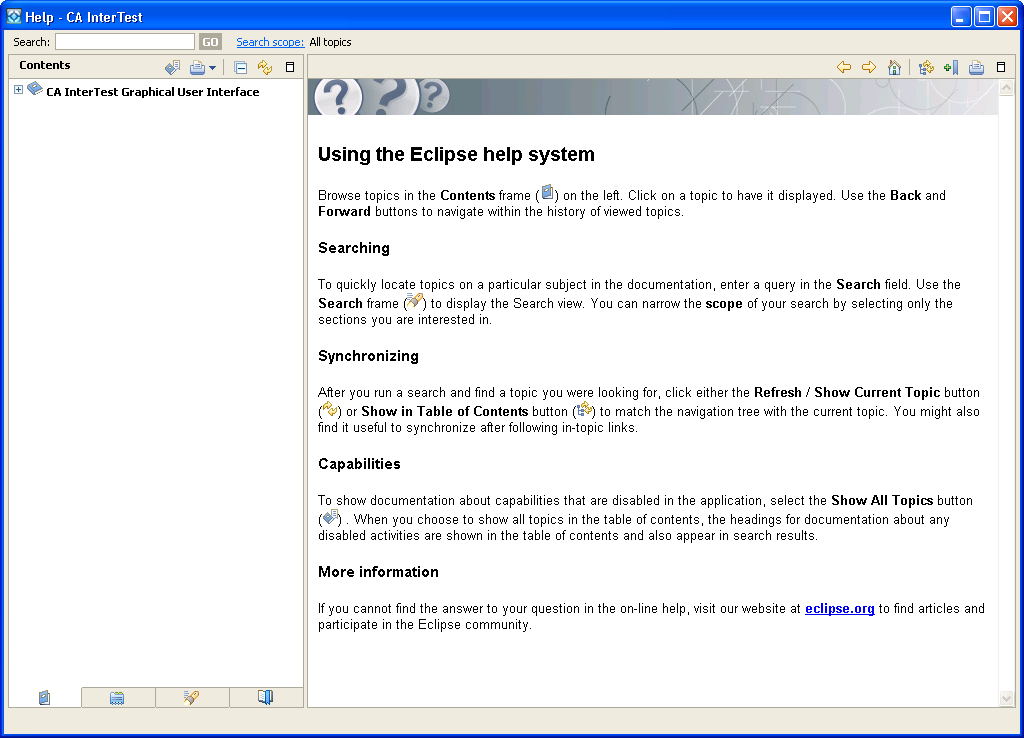
Opens an external Help browser window and displays a top-level link to the CA InterTest online documentation, which you can expand to display subsets of the documentation.
Activates the CA InterTest online Help view and displays the Search panel in which you can enter text that you want to search for. Click Go to display all topics on the online documentation in which the search text appears.
Displays the help data as it is dynamically displayed to reflect the context of the view that is in focus. For example, when the focus is on Breakpoints, Dynamic Help will only display those topics relevant to breakpoints.
Note: The dynamic help feature is not supported in the Program Listing area pop-up menus, window controls such as menu items or buttons, or toolbar buttons.
Opens pages to guide you through some of the processes. Each cheat sheet is designed to help you complete a specific task, and lists the sequence of steps required to help you achieve that goal.
Opens the Key Assist window where you can see shortcut key combinations.
Opens the Install/Update dialog from which you will be able to install updates of the currently installed features, or new features.
Displays the About CA InterTest dialog, which provides information on the software release number, plug-in details, and configuration details.
|
Copyright © 2015 CA Technologies.
All rights reserved.
|
|