

|
|
|
Symptom:
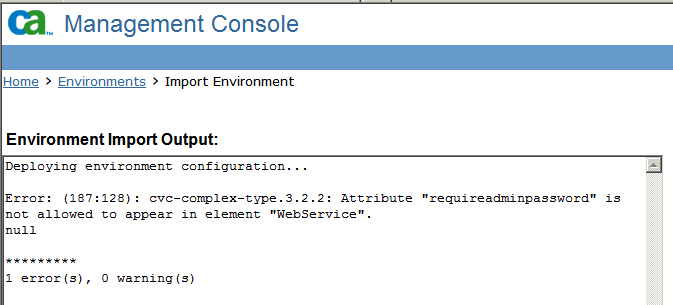
When importing an environment back into CA IdentityMinder after integrating with SiteMinder, an error appears about attribute "requireadminpassword" and the element "WebService".
Note: This issue can also occur when SiteMinder is not part of the deployment.
Solution:
This error allows partial deployment of the environment. The partial deployment can create empty elements in the CA IdentityMinder object store. Correct one of the environment XMLs and reimport.
Follow these steps:
Note: Remove the tag and the value. Do not remove only the value.
You do not have to delete the environment that was created from the failed attempt. Reimporting a corrected file fixes the errors from the failed attempt.
| Copyright © 2012 CA. All rights reserved. | Tell Technical Publications how we can improve this information |