

|
|
|
Symptom:
No User Context in CA IdentityMinder.
If a user tries to access CA IdentityMinder without a SMSESSION cookie, CA IdentityMinder cannot authenticate the user. In this case, you can expect to see can emptyCA IdentityMinder UI.
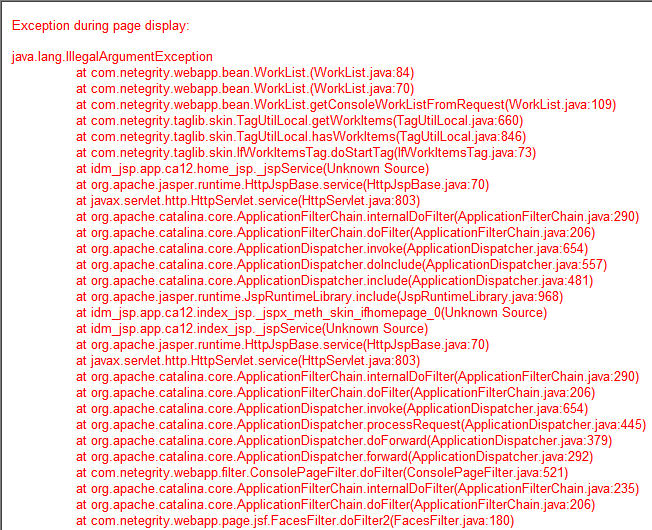
If you have Workflow enabled for your environment, expect to see a failure much like this.
Solution:
A few things can cause this, but it is usually one of the following:
The first two causes are pretty straight forward. Make sure that you route through the web server with the fully functional web agent enabled. If however you are going through the web server and the agent is enabled, then you need to modify the Domain.
Follow these steps:
The default effective resource for the rule is an asterisk "*".
You have moved the forward slash from the realm to the rule. The protection is the same, but SiteMinder treats it differently.
You can successfully log in to CA IdentityMinder through SiteMinder. To validate proper protection, review your SiteMinder agent logs.
| Copyright © 2012 CA. All rights reserved. | Tell Technical Publications how we can improve this information |