

CA Identity Manager Configuration Guide › CA Identity Manager Environments › How to Configure an Environment for Provisioning › How to Create and Deploy Connectors Using Connector Xpress
How to Create and Deploy Connectors Using Connector Xpress
You can configure provisioning for an environment to provide accounts in other systems to users managed by CA Identity Manager. Accounts provide users with access to additional resources, such as an email account. You provide these additional accounts by assigning provisioning roles, which you create through CA Identity Manager.
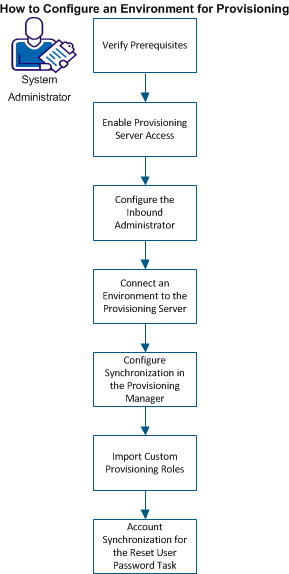
As an administrator, complete the following steps:
- Verify Prerequisites
- Enable Provisioning Server Access
- Configure the Inbound Administrator
- Connect an Environment to the Provisioning Server
- Configure Synchronization in the Provisioning Manager
- Import Custom Provisioning Roles
- Account Synchronization for the Reset User Password Task
Copyright © 2014 CA.
All rights reserved.
|
|