

You can power up and connect to a remote computer from the Remote Control viewer.
To power up a remote computer
Alternatively, right-click a computer and click Open.
The Connection Settings dialog appears.
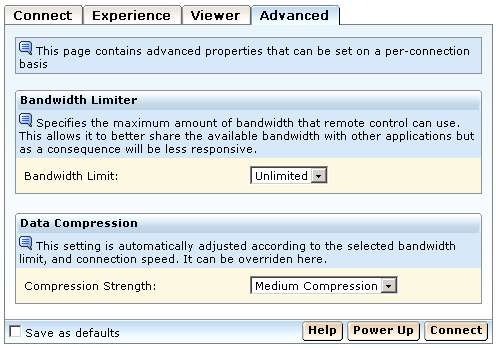
Note: If the Power Up button is not visible in the viewer, then WOL information is not registered in the GAB.
Remote Control attempts to connect you to the host computer using the Wake-on-LAN (WOL) feature, if Wake-on-LAN information is available for the specified computer. It displays a typical Connection Status message during this process.
Note: If you click Connect instead of Power Up, and the connection fails, the viewer determines the reason for the connection failure. If the connection failed because the host could not be contacted, even though the IP address/DNS name was valid, the Connection Status message lets you click the following link, which provides the same functionality as Power Up: "Click here to attempt to turn on the computer remotely, and connect again."
|
Copyright © 2013 CA.
All rights reserved.
|
|