

You can browse an Intel AMT asset and view the inventory information. However, only a remote (read-only) status of the asset is enabled.
To browse an Intel AMT asset
The Homepage tab appears.
Note: This tab is available only if Intel AMT is enabled on the asset.
The Log On page appears.
The System Status page appears displaying information such as IP address, System ID, and so on.
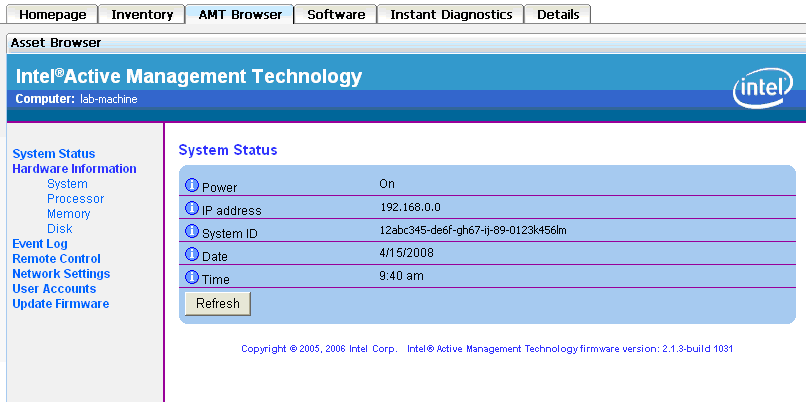
Note: Click any link in the left pane to view the corresponding information.
|
Copyright © 2013 CA.
All rights reserved.
|
|