

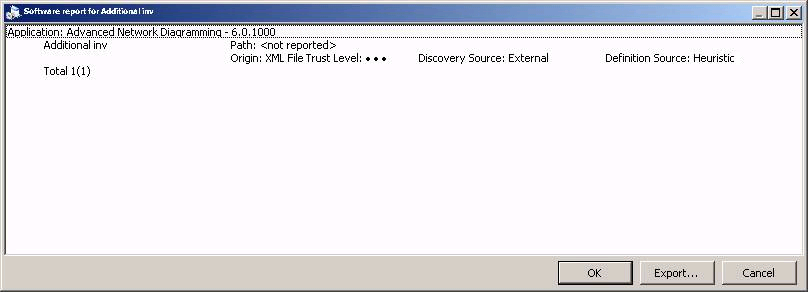
You can view the origin and trust level of the software inventory by right-clicking the software in the Discovered Software pane and selecting Details. This opens the Software report displaying the origin and trust level of the selected software, as shown in the following illustration:
Note: You can also select multiple software items in the Discovered Software pane.
|
Copyright © 2013 CA.
All rights reserved.
|
|