

|
|
|
The SQL Assistant is a Wizard-driven tool that automates the process of creating an SQL script. You can choose the type of command that you want through a series of dialogs.
To use the SQL Assistant
 on the Command Console toolbar or by selecting the SQL Assistant command from the Script menu.
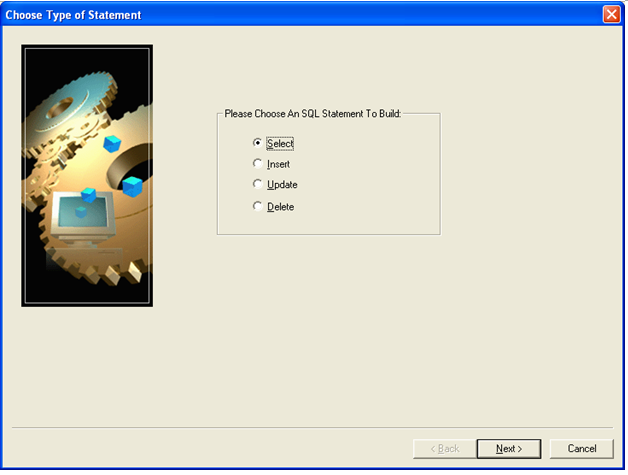
The Choose Type of Statement dialog opens, enabling you to pick the type of SQL command statement that you want to execute.
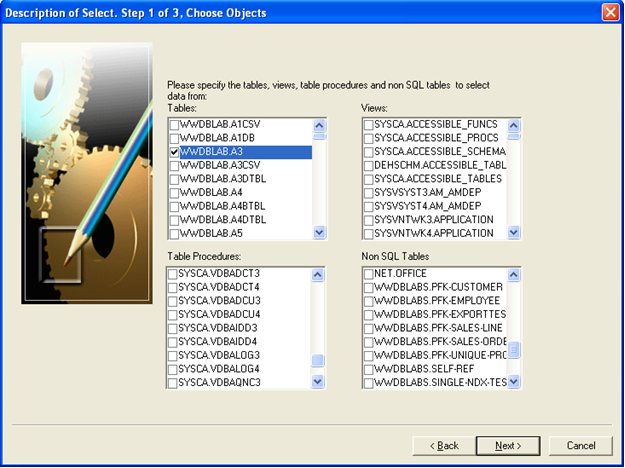
The first of three Choose Objects dialogs displays. Here you can select the Tables, Table Procedures, Views, and Non-SQL Tables that you want to use as objects.
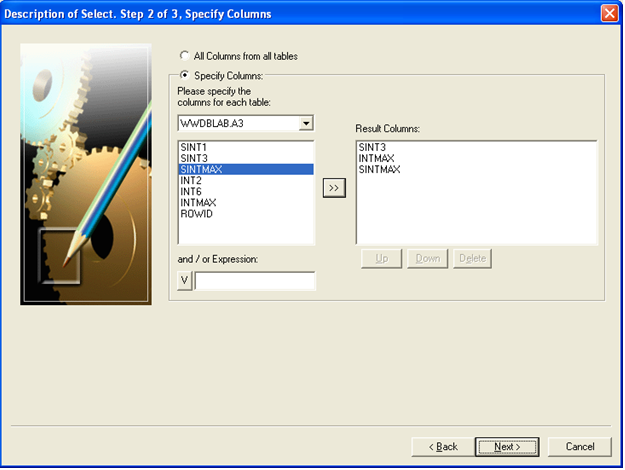
A dialog displays where you specify the columns that you want to include in your results. Click Next to continue.
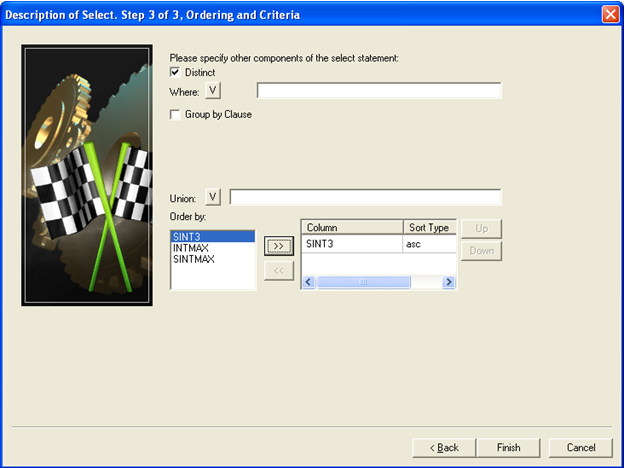
The SQL statements execute and the results are displayed in the Results pane.
| Copyright © 2011 CA. All rights reserved. | Tell Technical Publications how we can improve this information |