

|
|
|
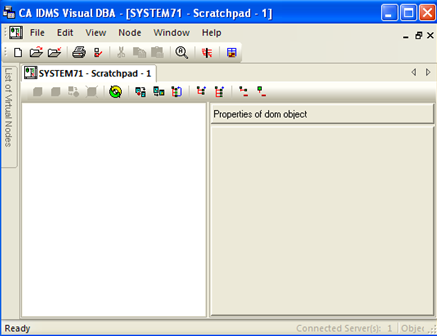
The DOM Scratchpad command on the Node menu offers yet another powerful way to construct your own customized Database Object Manager window. The Scratchpad window is empty when it is first opened.
CA IDMS Visual DBA allows you to easily find any object in the tree associated with your profile on the current server and display it as the root branch in the Scratchpad window. To do this, open a Scratchpad window and then choose the Edit Locate menu command, which invokes the Locate Object dialog box:
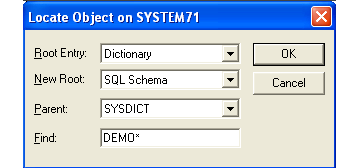
In the Root Entry drop-down list box, choose from the root entries defined in your profile, the root entry from which you wish to select an object type as a new root (Dictionary in the above example). In the New Root drop-down list box select the object type that becomes a new root (SQL Schema in the example). If the newly defined root object requires a parent object, select the parent from the Parent drop-down list box (SYSDICT in the example). Finally you can filter the object instances using the Find edit control (in the example only SQL Schema's whose name starts with DEMO makes up the new root entry). Leave only an asterisk (*) if you do not want to filter the object instances.
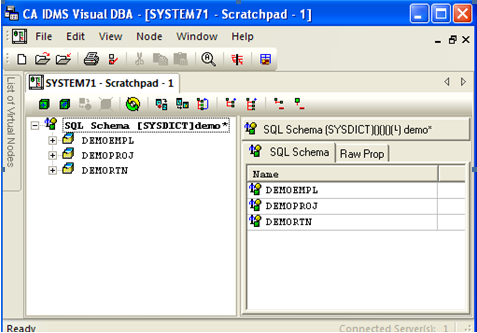
Expanding this branch reveals the branches for SQL schemas in dictionary SYSDICT whose name starts with DEMO:
The Window Restart From Position, Tear Out, and Scratchpad menu commands all enable you to construct your own Database Object Manager windows that focus precisely on the information you need within the scope allowed by your profile.
| Copyright © 2011 CA. All rights reserved. | Tell Technical Publications how we can improve this information |