

Today's users need to be able to access their data in real time, using modern interfaces. As a CA IDMS DBA, you can facilitate access to both your network and native-SQL CA IDMS-data using the CA IDMS SQL Web Connect feature. SQL Web Connect provides you with the interfaces you need to ensure your CA IDMS systems seamlessly integrate with your application architecture and business requirements.
This scenario explains how to use the SQL Web Connect feature so that you can utilize SQL, ODBC, and JDBC connectivity technology with CA IDMS to this end. Using SQL Web Connect is ideal for purposes such as:
The following diagram shows the steps to follow when using the SQL Web Connect functionality:
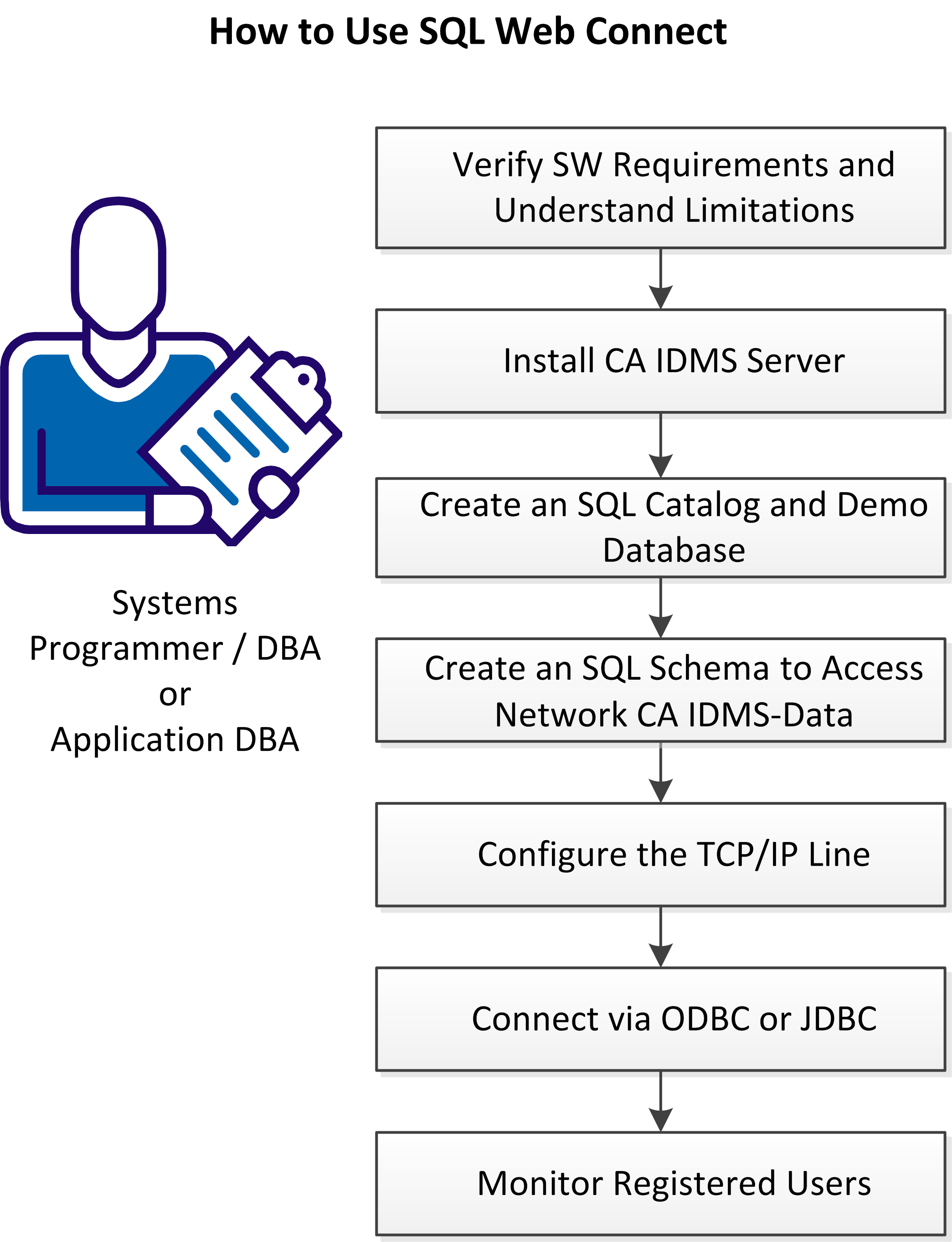
Follow these steps:
|
Copyright © 2014 CA.
All rights reserved.
|
|