

The System Default Data Source Options panel is reached by clicking on the "System" button from the Data Source tab. Changes to these options apply to all data sources on the Windows system. For this reason, if you are using UAC on Windows Vista, you must have administrative authority to set these options.
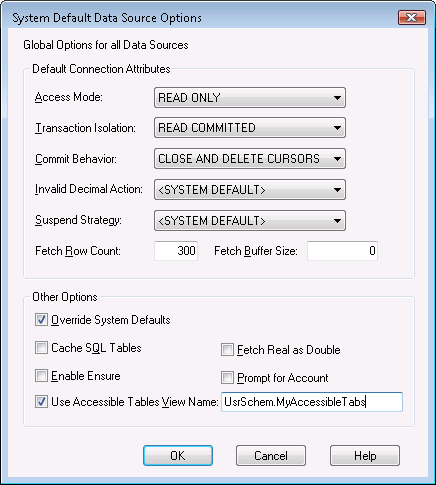
The fields on the System Default Data Source Options panel are identical to those on the Advanced Data Source Options panel. For a description of each option, see the section entitled "Setting Advanced Data Source Options" earlier in this chapter.
|
Copyright © 2009 CA.
All rights reserved.
|
|